
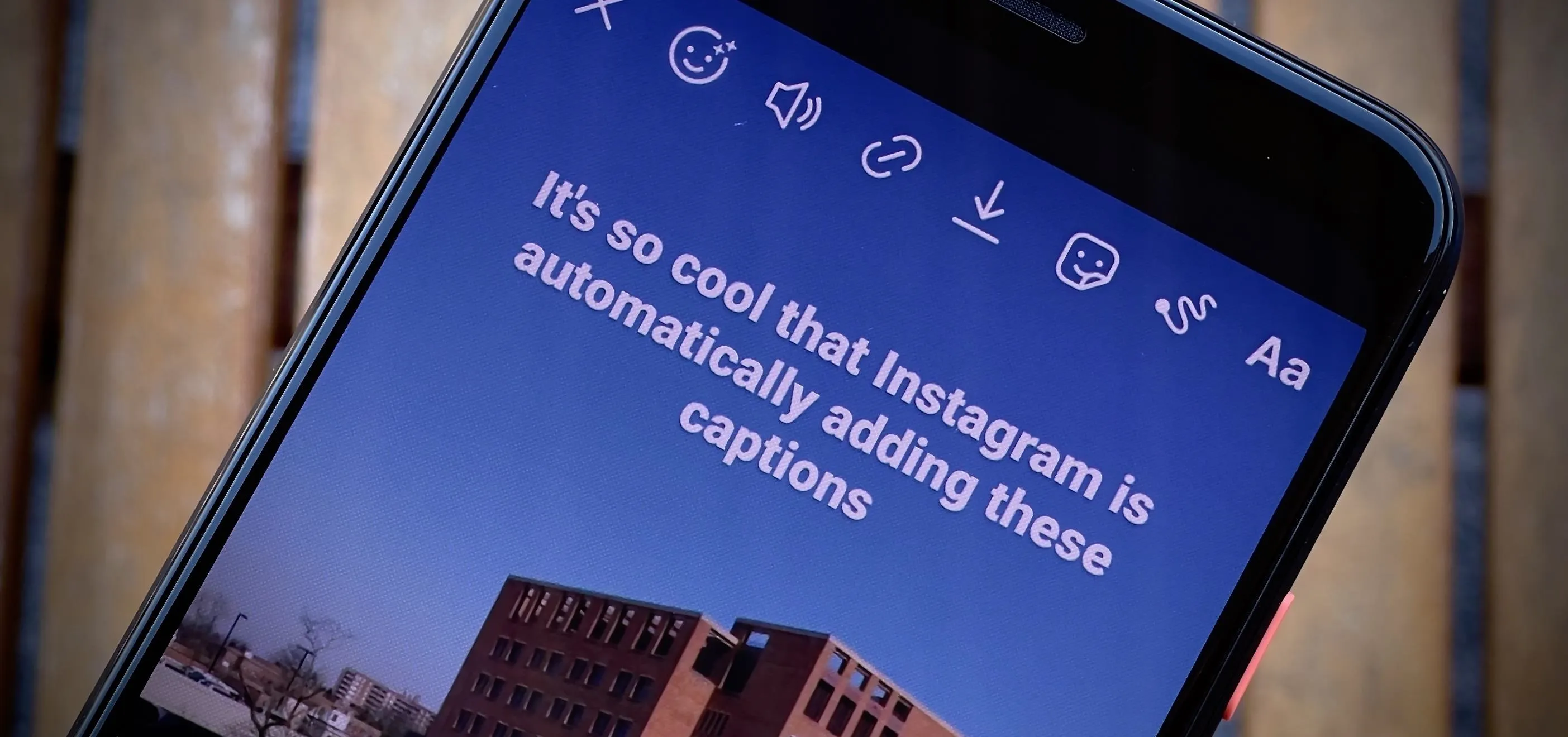
Instagram is one of the most popular social media platforms, and writing the perfect caption can significantly impact your engagement. But one question many users ask is: what is the Instagram caption character limit?
In this complete guide, you’ll learn:
- The exact Instagram caption limit
- Best caption length for engagement
- Tips to optimize your captions
- Tools to check your caption length
📏 What Is the Instagram Caption Character Limit?
Instagram allows a maximum of 2,200 characters per caption.
This means you can write long captions, but there’s a catch — only the first 125 characters are visible before users need to click “more.”
👉 That’s why your first line matters the most.
According to Meta Platforms, captions are designed to support storytelling, but user attention spans are short — so clarity and structure are key.
📸 Why Caption Length Matters

4
Even though Instagram allows 2,200 characters, longer captions don’t always perform better.
Here’s why:
- Users scroll quickly
- Attention spans are short
- Most people don’t click “read more”
👉 The goal is not to use all characters, but to use them wisely.
📊 Ideal Instagram Caption Length for Engagement
Research and social media studies suggest:
- Short captions (50–125 characters) → Best for quick engagement
- Medium captions (125–300 characters) → Balanced performance
- Long captions (300+ characters) → Best for storytelling
Platforms like Hootsuite recommend using shorter captions for promotional posts and longer captions for storytelling content.
👉 You can also calculate the perfect length using your own tool:
🔗 https://fastwordcounter.com/
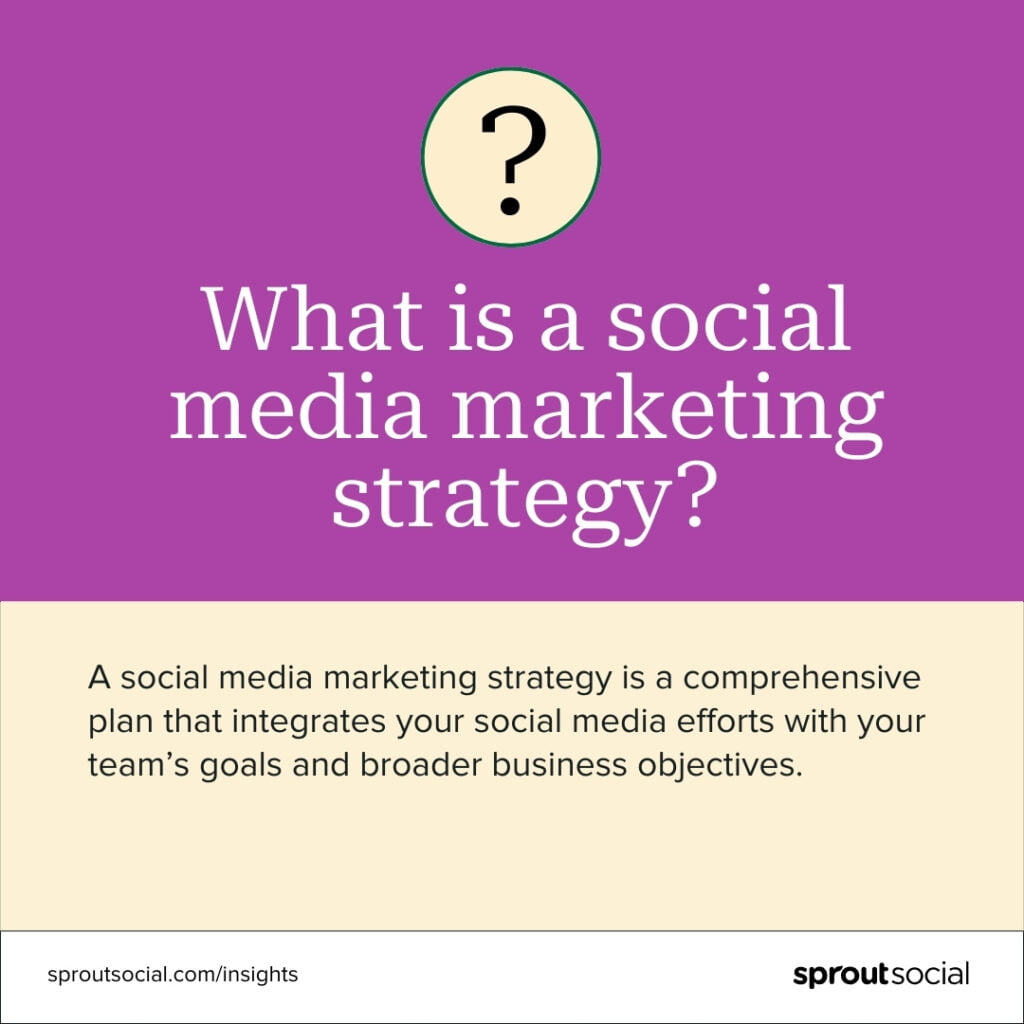
✍️ How to Write High-Engagement Instagram Captions
1. Start Strong (First 125 Characters)
The first line should:
- grab attention
- create curiosity
- encourage clicks
Example:
“Most people are writing Instagram captions wrong…”
2. Use Line Breaks for Readability
Long blocks of text are hard to read.
Break your caption like this:
- short paragraphs
- bullet points
- spacing
👉 This improves readability and keeps users engaged.
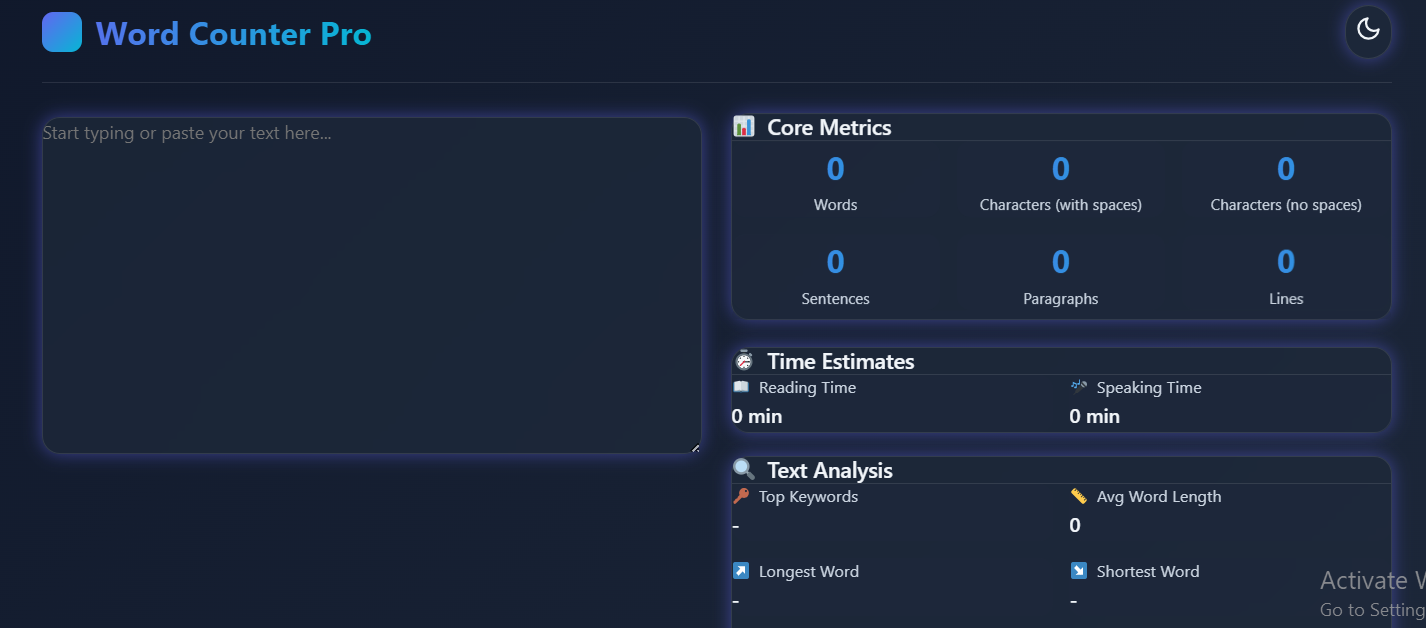
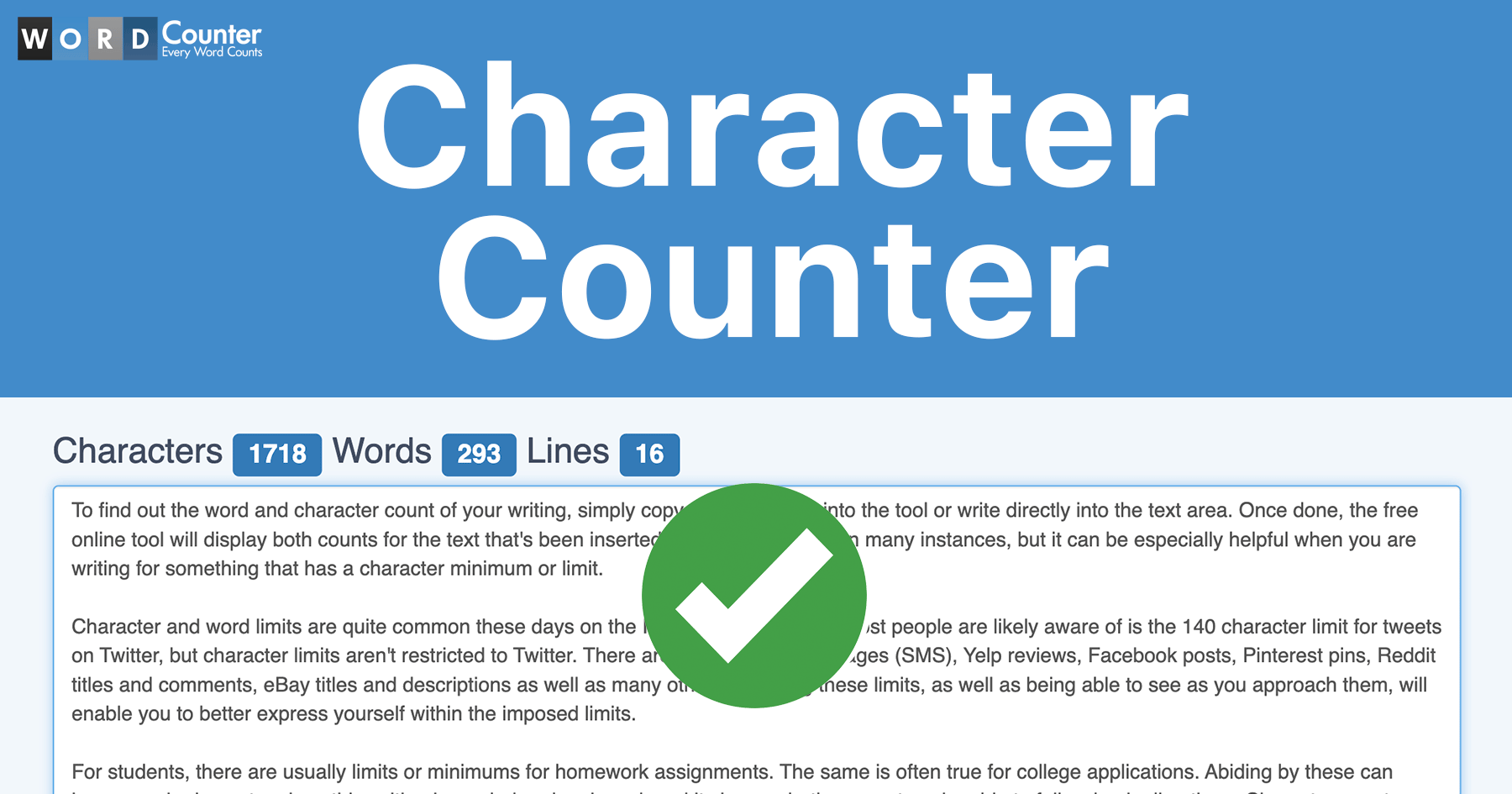
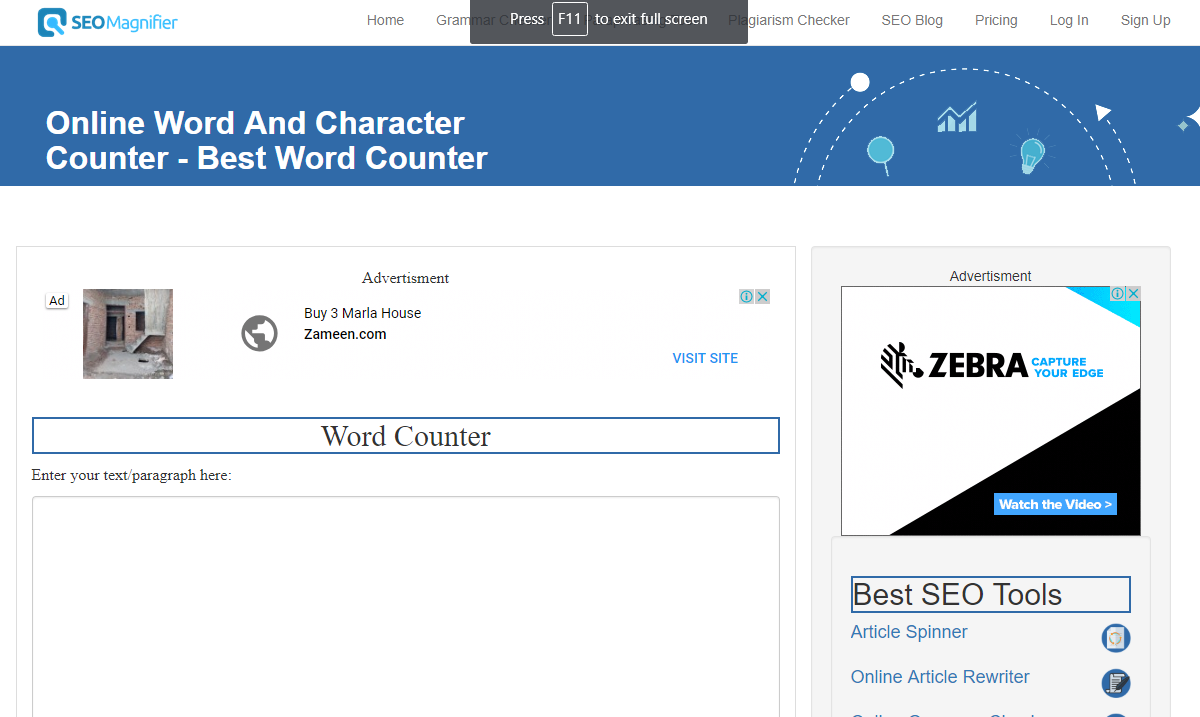
🧮 Check Your Caption Length Easily
4
Before posting, it’s important to check your caption length.
👉 Internal Links (Your Website):
- 🔗 https://fastwordcounter.com/
- 🔗 https://fastwordcounter.com/blog/how-many-words-in-a-5-minute-speech
- 🔗 https://fastwordcounter.com/blog/how-many-words-in-a-10-minute-speech
Using these tools helps you stay within the limit and improve your writing efficiency.
📌 Instagram Caption Tips (Pro Strategies)
✔ Use Emojis Strategically
Emojis:
- grab attention
- improve readability
- add personality
But don’t overuse them — keep it balanced.
✔ Add a Call-To-Action (CTA)
Always tell users what to do:
- “Follow for more tips”
- “Comment your thoughts”
- “Save this post”
👉 CTAs increase engagement significantly.
✔ Use Hashtags Wisely
Instagram allows up to 30 hashtags, but using 5–10 relevant hashtags is often more effective.
Example hashtags:
- #writingtips
- #instagramgrowth
- #socialmediatips
📉 Common Mistakes to Avoid
- Writing too long without structure
- Ignoring the first 125 characters
- Overloading with hashtags
- Not using spacing
- No clear message
Avoiding these mistakes will improve your content performance.
🧠 Pro Tip: Combine Short + Long Captions
The best strategy is:
- Short hook (first line)
- Detailed explanation (optional)
- CTA at the end
This keeps your caption both engaging and informative.
🔗 Related Topics You Should Read
👉 Internal links from your website:
- 🔗 https://fastwordcounter.com/blog/500-word-essay-example
- 🔗 https://fastwordcounter.com/blog/how-to-reduce-word-count
- 🔗 https://fastwordcounter.com/blog/how-many-words-in-a-paragraph
These will improve your writing skills and also boost your SEO through internal linking.
📚 External Resources for Better Captions
To improve your content quality, you can use:
- Grammarly → grammar & clarity
- HubSpot → content marketing strategies
🏁 Final Thoughts
So, what is the Instagram caption character limit?
👉 2,200 characters, with only the first 125 characters visible initially.
To get the best results:
- focus on a strong opening line
- keep captions clear and structured
- use spacing and emojis wisely
- include a call-to-action
With the right strategy, your Instagram captions can increase engagement, reach more users, and grow your audience faster.