LinkedIn is one of the most powerful platforms for professionals, businesses, and content creators. Whether you’re writing a post, article, or comment, understanding the LinkedIn character limit is essential for maximizing reach and engagement.
In this complete guide, you’ll learn:
- LinkedIn character limits for posts, headlines, and comments
- Best post length for engagement
- Tips to optimize your content
- Tools to check your character count
📏 What Is the LinkedIn Character Limit?
LinkedIn has different character limits depending on the content type:
🔹 LinkedIn Post Character Limit
- Maximum: 3,000 characters per post
🔹 LinkedIn Headline Limit
- Maximum: 220 characters
🔹 LinkedIn About Section
- Maximum: 2,600 characters
🔹 LinkedIn Comment Limit
- Maximum: 1,250 characters
👉 However, just like other platforms, only the first 200–300 characters are visible before users need to click “see more.”
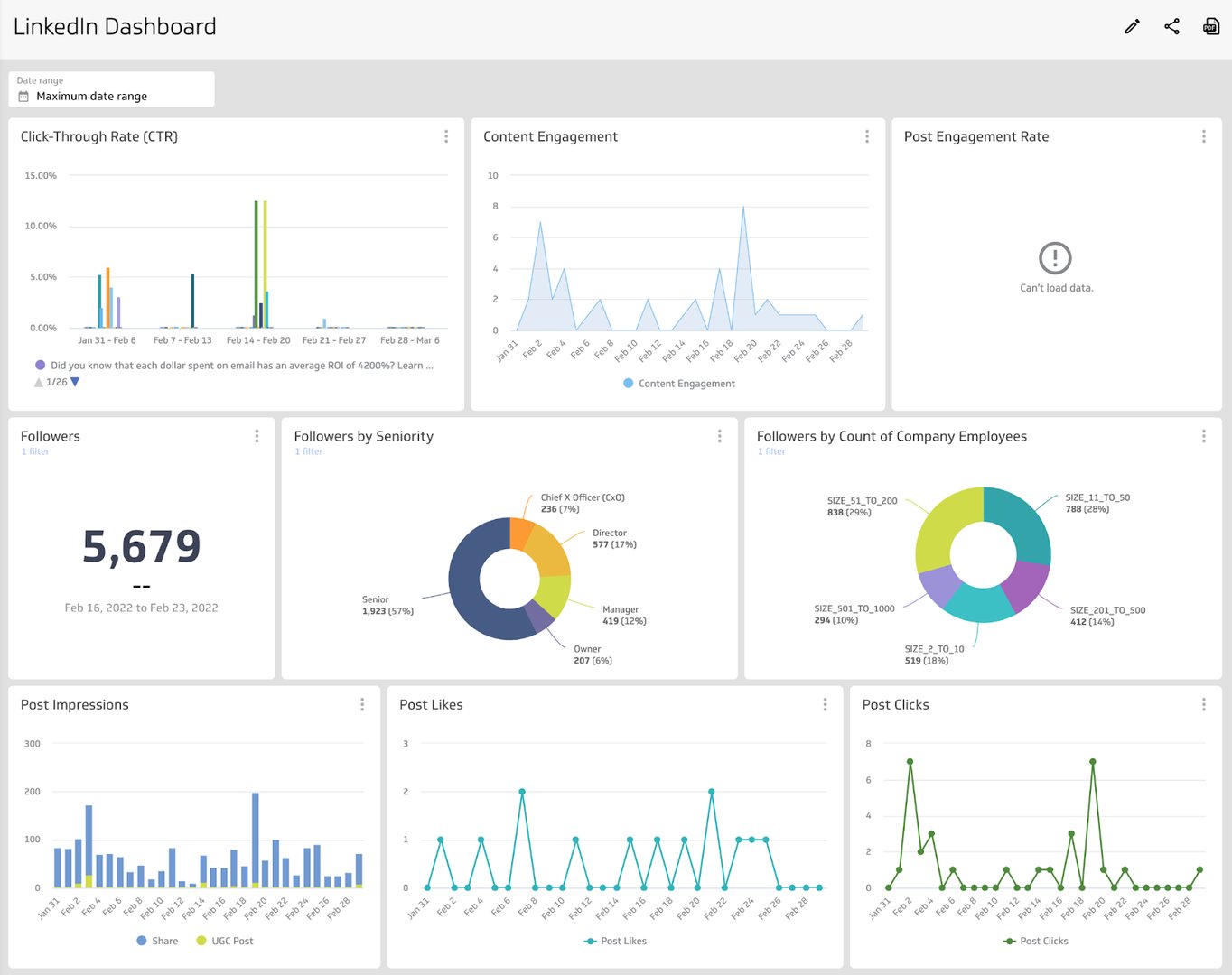
📊 Why Character Limit Matters on LinkedIn


4
LinkedIn is different from platforms like Instagram or Twitter because it focuses on professional and value-driven content.
Here’s why character limits matter:
- Helps maintain clarity
- Improves readability
- Increases engagement
- Encourages structured writing
According to HubSpot, well-structured and concise content performs better across professional networks.
🧠 Ideal LinkedIn Post Length for Engagement
Even though LinkedIn allows 3,000 characters, using the full limit is not always effective.
Best-performing post lengths:
- 150–300 characters → High engagement
- 300–600 characters → Balanced performance
- 600–1,500 characters → Best for storytelling and value posts
👉 Long posts work well only if they are properly formatted and engaging.
✍️ How to Write High-Performing LinkedIn Posts
1. Start With a Strong Hook
Your first 2–3 lines are critical.
Example:
“Most LinkedIn posts fail because of one simple mistake…”
2. Use Short Paragraphs
Avoid large blocks of text.
Instead:
- write in short lines
- use spacing
- keep it readable
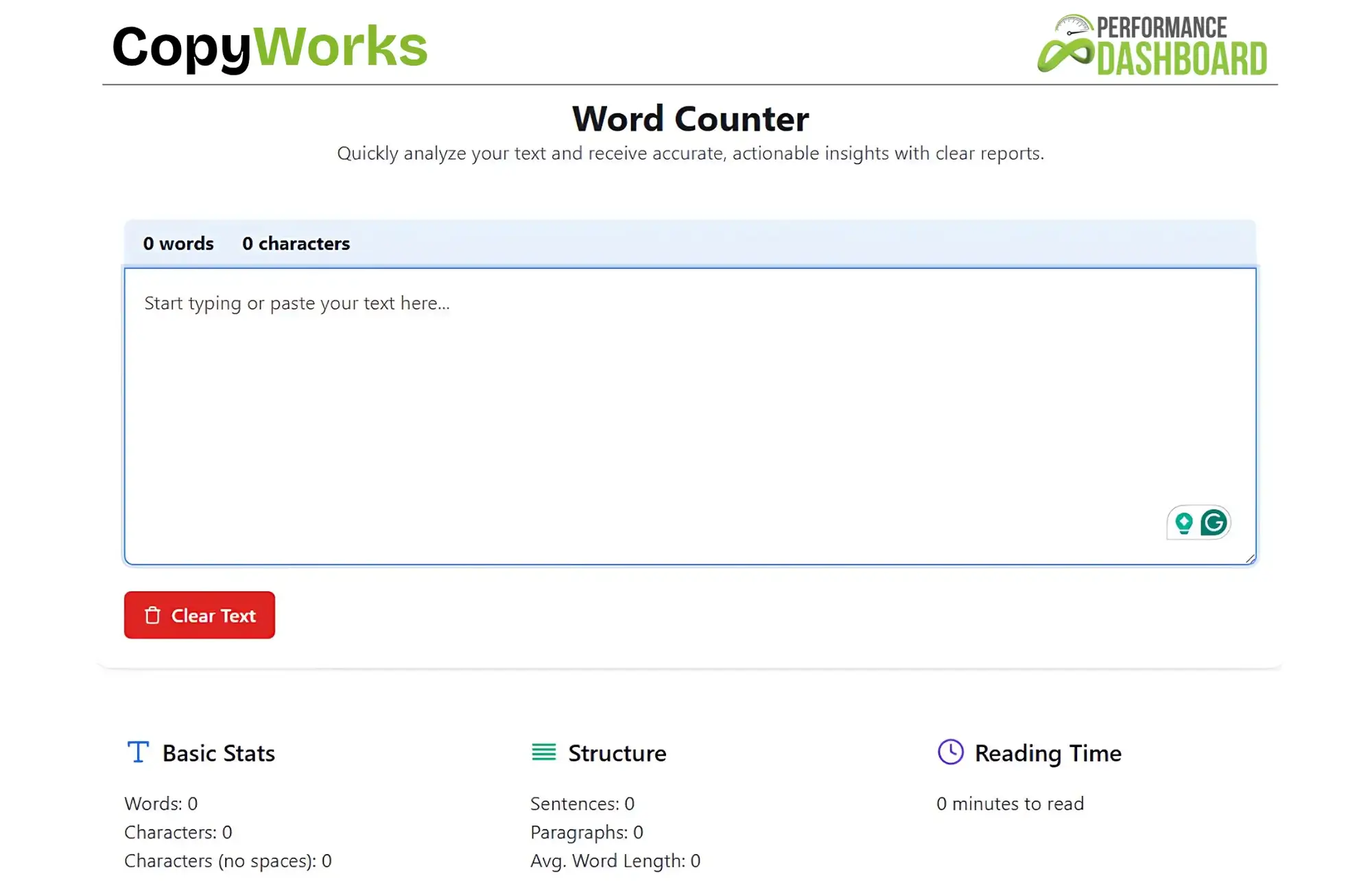
🧮 Check Your LinkedIn Character Count

4
Before posting, always check your content length.
👉 Internal Links (Your Website):
- 🔗 https://fastwordcounter.com/
- 🔗 https://fastwordcounter.com/blog/twitter-character-limit
- 🔗 https://fastwordcounter.com/blog/instagram-caption-character-limit
Using a tool helps ensure your post stays within limits and is optimized for engagement.
📌 Proven Tips to Grow on LinkedIn
✔ Add Value First
LinkedIn users prefer:
- educational content
- insights
- personal experiences
✔ Use Formatting
Structure your post like this:
- short sentences
- bullet points
- spacing
👉 This increases readability and retention.
✔ Add a Call-To-Action (CTA)
Encourage engagement:
- “What do you think?”
- “Share your experience below”
- “Follow for more tips”
✔ Use Hashtags Smartly
Use 3–5 relevant hashtags.
Example:
- #careeradvice
- #contentwriting
📉 Common Mistakes to Avoid
- Writing too long without structure
- Weak opening lines
- No spacing or formatting
- Overusing hashtags
- No clear message
Avoiding these mistakes will improve your post performance.
🔗 Related Topics You Should Read
👉 Internal links from your website:
- 🔗 https://fastwordcounter.com/blog/500-word-essay-example
- 🔗 https://fastwordcounter.com/blog/how-to-reduce-word-count
- 🔗 https://fastwordcounter.com/blog/how-many-words-in-a-5-minute-speech
These guides will help improve your writing skills and SEO performance.
📚 External Tools for Better Writing
To improve your content quality, you can use:
- Grammarly → grammar & clarity
- Hootsuite → content insights
These tools help you create professional and engaging posts.
🆚 LinkedIn vs Other Platforms Character Limits
| Platform | Character Limit |
|---|---|
| 3,000 | |
| 280 | |
| 2,200 | |
| 63,206 |
👉 Each platform requires a different content strategy.
🏁 Final Thoughts
So, what is the LinkedIn character limit?
👉 Up to 3,000 characters for posts, with different limits for headlines, comments, and profiles.
To get the best results:
- focus on strong opening lines
- keep your content structured
- provide value to your audience
- use clear formatting
With the right strategy, LinkedIn can become a powerful platform to build authority, grow your network, and increase engagement.