
Twitter (now known as X (formerly Twitter)) is one of the most powerful platforms for sharing ideas quickly. But one of the most common questions users ask is: what is the Twitter character limit?
Understanding this limit is essential for writing effective posts, improving engagement, and communicating your message clearly.
In this complete guide, you’ll learn:
- The exact Twitter character limit
- Differences between free and premium accounts
- Best tweet length for engagement
- Tips to write better tweets
- Tools to check your tweet length
📏 What Is the Twitter Character Limit?
The standard Twitter character limit is 280 characters per tweet for most users.
However, there are exceptions:
- X Premium users can post up to 25,000 characters
- Replies and threads can extend your message beyond 280 characters
- Links automatically use a fixed number of characters
👉 This means even though you have 280 characters, the effective space may be slightly less depending on your content.
📊 Why the Character Limit Matters


4
Twitter is designed for short-form content, which makes clarity and brevity essential.
Here’s why the limit matters:
- Forces you to be concise
- Improves readability
- Encourages engagement
- Makes content more shareable
According to insights from HubSpot, shorter and clearer social media posts tend to perform better in terms of engagement.
🧠 Ideal Tweet Length for Maximum Engagement
Even though 280 characters are allowed, using the full limit isn’t always the best strategy.
Best-performing tweet lengths:
- 50–100 characters → Highest engagement
- 100–200 characters → Balanced performance
- 200–280 characters → Detailed content
👉 Short tweets often get more likes and retweets because they are easier to read quickly.
✍️ How to Write Better Tweets
1. Start With a Strong Hook
Your first few words should grab attention.
Example:
“Most people are wasting their Twitter posts…”
2. Keep It Clear and Simple
Avoid long, complicated sentences.
Short and direct tweets perform better.
🧮 Check Your Tweet Length Easily


4
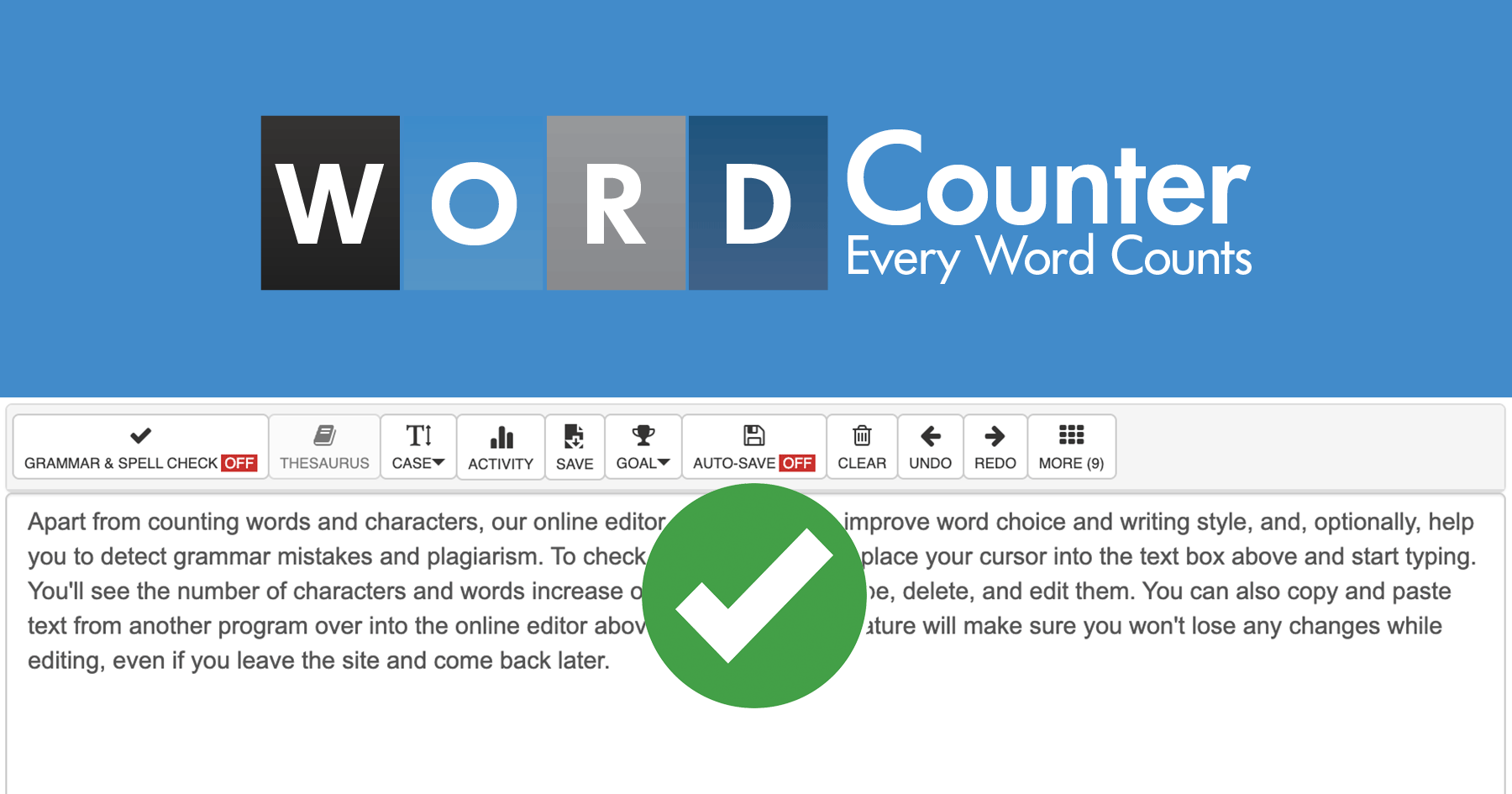
Before posting, it’s important to check your character count.
👉 Internal Links (Your Website):
- 🔗 https://fastwordcounter.com/
- 🔗 https://fastwordcounter.com/blog/how-many-words-in-a-5-minute-speech
- 🔗 https://fastwordcounter.com/blog/instagram-caption-character-limit
Using a tool helps you stay within limits and optimize your content.
📌 Pro Tips to Improve Twitter Engagement
✔ Use Line Breaks
Even within 280 characters, spacing improves readability.
✔ Add Hashtags (But Don’t Overuse)
- Use 1–3 hashtags max
- Keep them relevant
Example:
- #writingtips
- #socialmedia
✔ Include a Call-To-Action (CTA)
Encourage users to engage:
- “Retweet if you agree”
- “Follow for more tips”
- “Reply with your thoughts”
✔ Use Threads for Longer Content
If you have more to say:
- break your content into multiple tweets
- create a thread
This keeps your audience engaged while delivering more value.
📉 Common Mistakes to Avoid
- Using all 280 characters unnecessarily
- Writing unclear or confusing tweets
- Overloading with hashtags
- Ignoring formatting
- Not proofreading
Avoiding these mistakes will improve your performance significantly.
🔗 Related Topics You Should Read
👉 Internal links from your website:
- 🔗 https://fastwordcounter.com/blog/500-word-essay-example
- 🔗 https://fastwordcounter.com/blog/how-to-reduce-word-count
- 🔗 https://fastwordcounter.com/blog/how-many-words-in-a-10-minute-speech
These articles help improve your writing skills and boost your SEO through internal linking.
📚 External Tools to Improve Your Writing
To improve your tweets and writing quality, you can use:
- Grammarly → grammar & clarity
- Hootsuite → social media insights
These tools help optimize your content for better performance.
🆚 Twitter vs Other Platforms Character Limits
Here’s a quick comparison:
| Platform | Character Limit |
|---|---|
| 280 | |
| 2,200 | |
| 63,206 | |
| 3,000 |
👉 Each platform has different limits, so always adjust your content accordingly.
🏁 Final Thoughts
So, what is the Twitter character limit?
👉 280 characters for standard users, with extended limits for premium users.
To get the best results:
- keep tweets short and clear
- focus on strong opening lines
- use hashtags wisely
- include a call-to-action
With the right approach, you can create tweets that engage your audience, increase visibility, and grow your online presence.