
YouTube is the world’s largest video platform, and writing an optimized description can significantly impact your video’s visibility, SEO, and engagement.
One of the most common questions creators ask is: what is the YouTube description character limit?
In this complete guide, you’ll learn:
- The exact YouTube description limit
- How to optimize descriptions for SEO
- Best length for engagement
- Tips to rank videos higher
- Tools to check your description length
📏 What Is the YouTube Description Character Limit?
The maximum YouTube description character limit is 5,000 characters.
However, there’s an important detail:
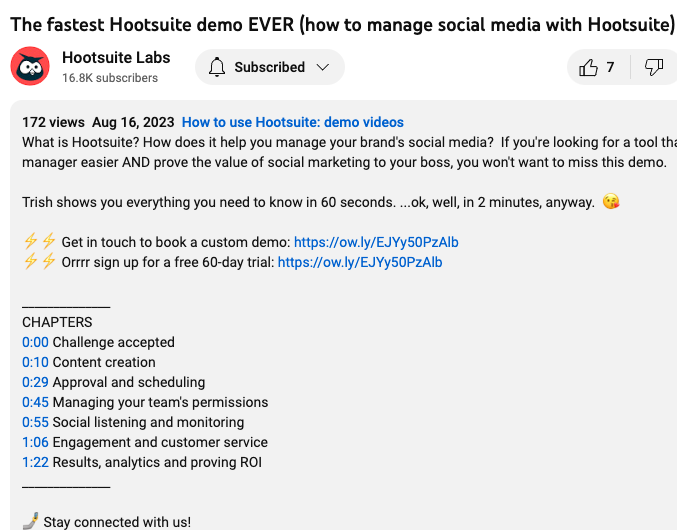
- Only the first 100–150 characters are visible before users click “Show more”
👉 This means your opening lines are extremely important for both SEO and user engagement.
According to Google, well-structured content improves discoverability across platforms, including YouTube.
📊 Why YouTube Description Length Matters

4
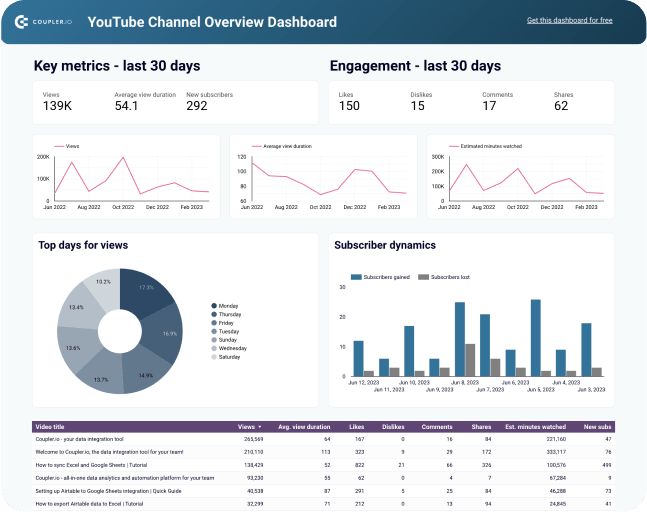
Your YouTube description plays a major role in:
- Improving SEO rankings
- Helping YouTube understand your content
- Increasing click-through rate
- Boosting watch time
👉 A well-written description can help your video appear in search results and recommended videos.
🧠 Ideal YouTube Description Length for SEO
Even though you can use up to 5,000 characters, the best-performing descriptions are:
- 100–150 characters → Hook & summary
- 150–300 characters → Key details
- 300–1,000+ characters → Full SEO optimization
👉 Longer descriptions help with SEO, but only if they are structured properly.
✍️ How to Write an Optimized YouTube Description
1. Start With a Strong Hook
Your first lines should:
- clearly explain the video
- include your main keyword
- encourage clicks
Example:
“Learn the exact YouTube description character limit and how to optimize it for SEO in 2026.”
2. Add Keywords Naturally
Include your target keyword:
- YouTube description character limit
- YouTube SEO
- video optimization
👉 Avoid keyword stuffing — keep it natural.
🧮 Check Your Description Length Easily
4
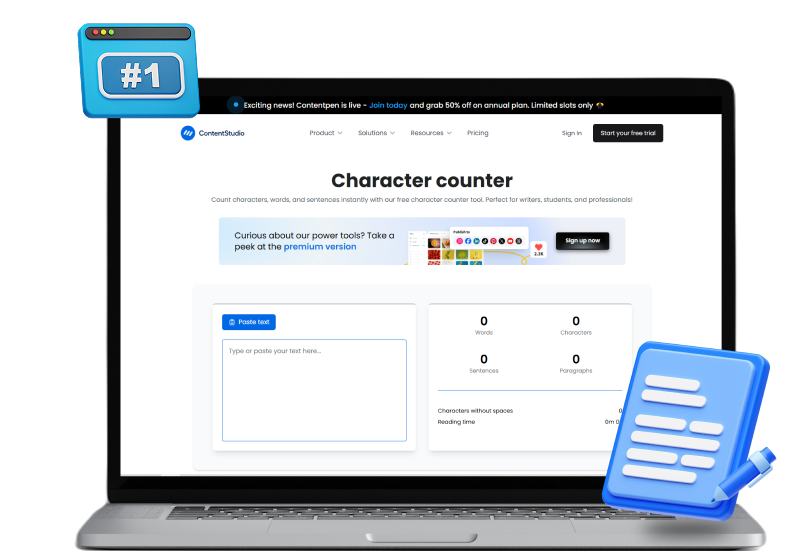
Before publishing your video, always check your description length.
👉 Internal Links (Your Website):
- 🔗 https://fastwordcounter.com/
- 🔗 https://fastwordcounter.com/blog/twitter-character-limit
- 🔗 https://fastwordcounter.com/blog/linkedin-character-limit
Using a word counter tool helps you stay within limits and optimize your content for SEO.
📌 Pro Tips to Rank Higher on YouTube
✔ Add Important Links Early
Include links in the first few lines:
- your website
- social media
- affiliate links
👉 These are visible without clicking “Show more”
✔ Use Timestamps
Example:
00:00 Introduction
01:10 Character limit explained
03:20 Optimization tips
👉 Improves user experience and SEO
✔ Add Hashtags
YouTube allows hashtags in descriptions.
Use 3–5 relevant ones:
- #YouTubeSEO
- #ContentCreation
- #VideoMarketing
✔ Include Call-To-Action (CTA)
Encourage viewers to:
- subscribe
- like the video
- comment
📉 Common Mistakes to Avoid
- Ignoring the first 100 characters
- Not using keywords
- Writing too short descriptions
- Keyword stuffing
- No structure
Avoiding these mistakes will improve your rankings and engagement.
🔗 Related Topics You Should Read
👉 Internal links from your website:
- 🔗 https://fastwordcounter.com/blog/instagram-caption-character-limit
- 🔗 https://fastwordcounter.com/blog/how-to-reduce-word-count
- 🔗 https://fastwordcounter.com/blog/how-many-words-in-a-10-minute-speech
These guides will help improve your writing and SEO strategy.
📚 External Tools for Better Optimization
To improve your YouTube content, you can use:
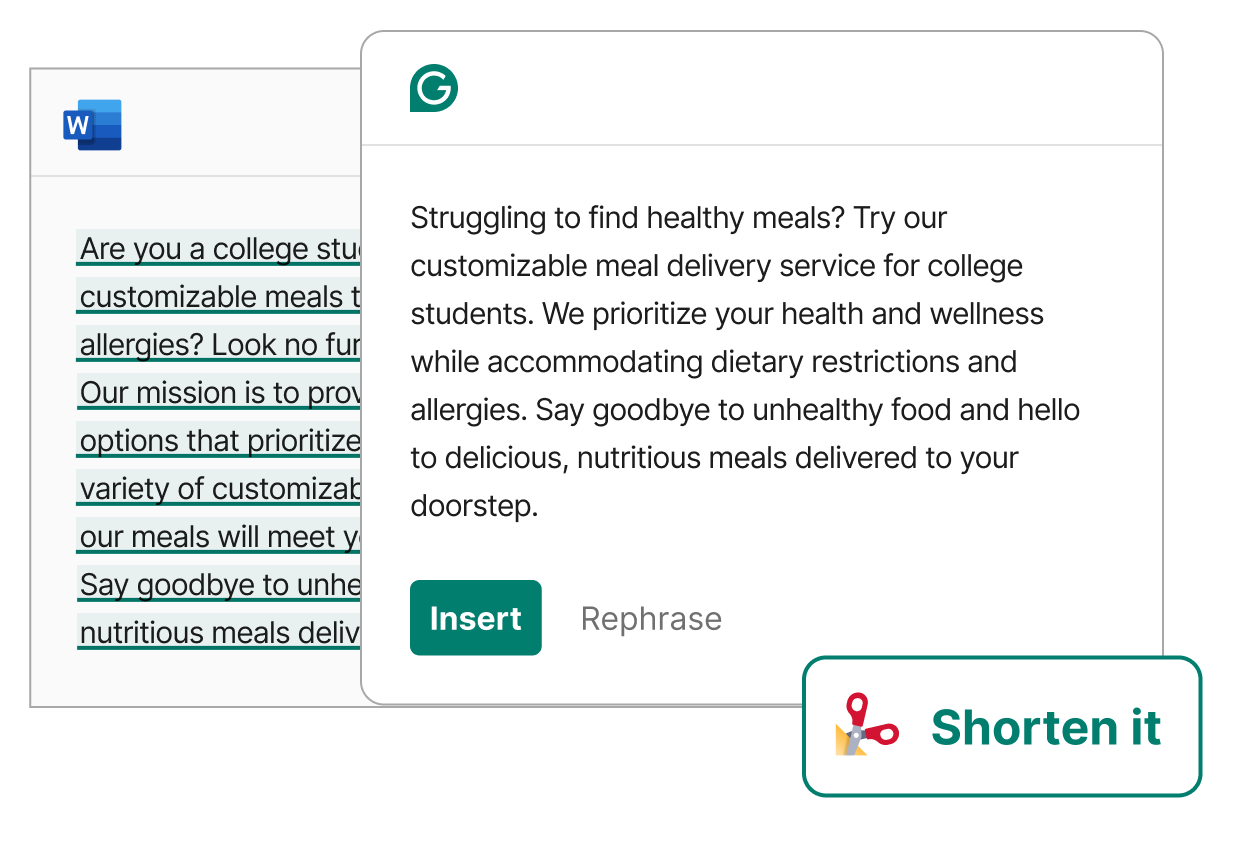
- Grammarly → grammar & clarity
- TubeBuddy → keyword & SEO optimization
These tools help you create high-quality, optimized descriptions.
🆚 YouTube vs Other Platforms Character Limits
| Platform | Character Limit |
|---|---|
| YouTube Description | 5,000 |
| Instagram Caption | 2,200 |
| 280 | |
| 3,000 |
👉 Each platform requires a different content strategy.
🏁 Final Thoughts
So, what is the YouTube description character limit?
👉 Up to 5,000 characters, with only the first 100–150 characters visible initially.
To get the best results:
- focus on strong opening lines
- use keywords naturally
- structure your content properly
- include links and CTAs
With the right strategy, your YouTube descriptions can boost rankings, increase views, and grow your channel faster.